Is the XRAY5 a Reflex Sight or a Holographic Sight?
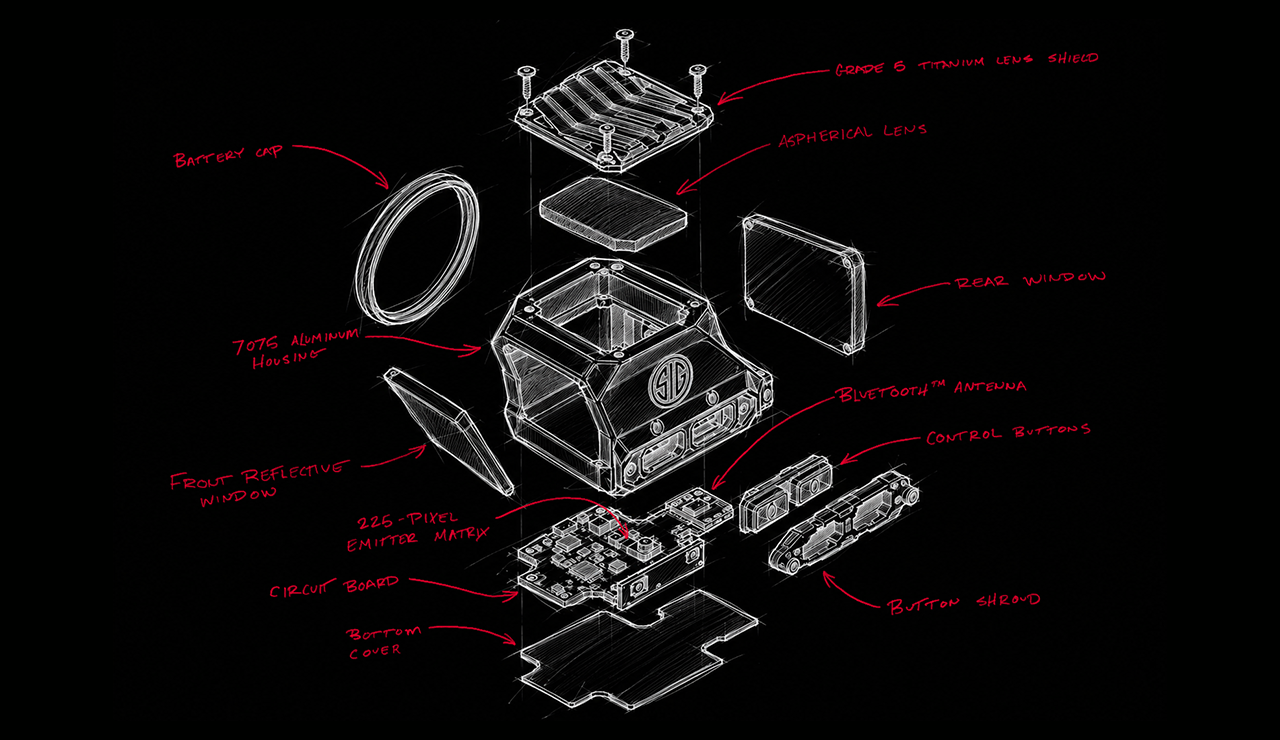
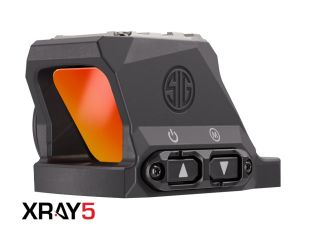
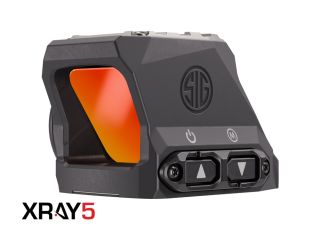
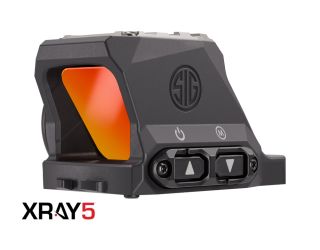
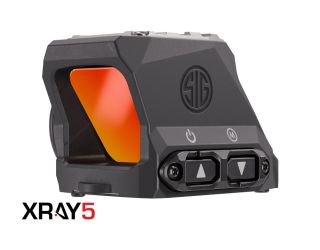
The XRAY5 is a reflex sight, but with several important differences compared to other traditional reflex sights. Instead of an emitter reflecting off a front lens and back to the shooter’s eye, the XRAY5 has the collimating lens in the roof of the housing, outside of the shooter’s field of view. The reticle first reflects off the roof aspheric lens, then off the flat glass on the front of the optic, then back to the shooter’s eye. So the shooter is always looking through a flat glass objective with no curved lens. SIG SAUER patented ZDO™ Zero Distortion Optical System provides a lens-free line-of-sight for a perfect view of downrange targets.
How is this better than a holographic sight?
A holographic or wave guide optic uses a 3D holographic image of the reticle projected onto a flat plane of glass. This takes a lot of energy and therefore only offers about 10% of the battery runtime of much more efficient LED emitters. Also, holographic optics display an effect of strobing, flickering, or streaking reticles when you move the optic quickly, such as in a quick target transition. The XRAY5 uses a matrix of individually illuminated LEDs reflecting off a lens in the roof of the optic, offering a pure flat zero distortion worldview through the objective, while also offering the same 10,000+ hour runtime of a modern LED emitter, and no flickering, strobing, or streaking of the reticle.
Is the XRAY5 an enclosed optic?
Yes. All 4 footprint variations of XRAY5 have a sealed rear window, and the entire optical system is fully Argon gas-purged, fog-proof, and waterproof to IPX8 ratings, submersible up to 40 meters (132 feet). There is no way for dust, water, mud, snow, or sand to get in front of your emitter and interrupt your reticle.
Does the XRAY5 have windage and elevation adjustments?
Yes, but they are 100% digital, with no moving parts. In a traditional reflex sight, an emitter is glued to a moving carrier plate, with screws and springs that control the UP/DOWN movement of the carrier for elevation, and the RIGHT/LEFT movement for windage. The XRAY5 contains a 15x15 red dot matrix of 225 digital zero illuminated dots. This matrix is permanently bonded in place and never moves. Windage and elevation are controlled by simply lighting up a different dot on the matrix. This solid-state construction is rugged. It has no moving parts; the internal system is rigid, robust, and impervious to shocks and impacts.
Do I need a tool to make adjustments to my Point of Aim (POA)?
No. Adjustments are made either through the XRAY5 App, or with the 2 control buttons on the optic. No more need for tiny tools that are easy to forget or get lost at the range. And no more counting clicks and turning tiny screws.
Do I have to use the XRAY5 App to control my XRAY5 optic?
No. Critical features like power ON/OFF, reticle brightness control, windage and elevation adjustments, and Lockout Mode can all be controlled on the optic itself, using the 2 control buttons. (Link to digital manual)
Why does the XRAY5 have an App included?
While the critical features and adjustments can be accessed from the optic control buttons, there are many features of the XRAY5 that are user-configurable via the App. These features include digital zeroing, multiple zero profiles, LightFight™, a Round Counter, MOTAC™, MAGNETAC™, auto-off settings and battery life indicator. The XRAY5 App helps the user take full control of the XRAY5 and all of the advanced capabilities it has to offer.
What footprints does the XRAY5 have?
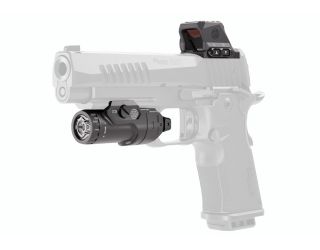
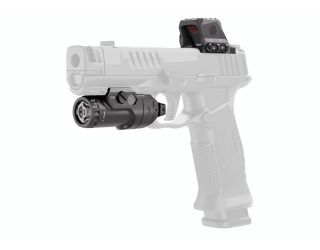
The XRAY5 is offered in 4 models, with 4 different mounting footprints: 1. The PRO model is a traditional top-mount optic with a true industry-standard DeltaPoint™ PRO (DPP) mounting footprint 2. The COMPACT model is a traditional top-mount optic with a true industry-standard Shield™ RMSc mounting footprint 3. The SIG-LOC™ PRO model has a SIG Sauer SIG-LOC PRO footprint, which mounts from underneath the slide on new pistol models such as the P211 and P385 and on recent SIG-LOC versions of the P320 and P226X 4. The SIG-LOC™ COMPACT model has a SIG Sauer SIG-LOC COMPACT footprint, which mounts from underneath the slide on recent SIG-LOC versions of P365.
What size is the reticle on the XRAY5?
The size of each dot is 3.5 MOA.
Can I turn off Bluetooth?
Yes. If you do not want to connect to or use the XRAY5 App, do not want to connect to a FOXTROT™ LightFight™ model, or just want to save some battery life, you can turn off the Bluetooth feature either from the XRAY5 App Settings page, or from the optic. (link to the digital manual)
What is LightFight™?
The XRAY5 can pair with a compatible SIG Sauer FOXTROT LF (LightFight) weapon light via a dependable Bluetooth connection, to utilize LightFight technology. When this feature is turned ON in the settings of the XRAY5 App, the optic reticle will turn up to a much higher brightness level instantly when the FOXTROT LF light is turned ON. This fixes the problem of the reticle being washed out and hard to see when a very bright weapon light shines on the target. LightFight is configurable to your preferences, with 2 modes available in the XRAY App settings. This is not an auto-brightness feature and is only active when your FOXTROT LF weapon light is activated, so the optic reticle is not constantly trying to adjust to rapidly-changing lighting conditions. This gives the user full control of their ideal reticle brightness setting, even under stressful low-light situations. Set it and forget it.
How does the Round Counter Work?
The XRAY5 contains an accelerometer which communicates to the XRAY5 App via a sophisticated and calibrated program, to log each round fired through the firearm that the XRAY is mounted to. This feature can be turned on or off at any time through the App and can be recalibrated and/or reset if the XRAY5 is moved to a different firearm. To calibrate, the shooter opens their XRAY5 app and enters the round counter calibration program. It only takes 5 rounds fired while in the calibration program to accurately record the recoil signature of your particular firearm. After that, every round is recorded and the counter can be reset at any time, much like a trip odometer in a vehicle. NOTE: During the calibration program recording, avoid loading/unloading or manipulating the firearm slide or bolt manually, as these actions will be recorded and can make the round count feature less accurate. (Link to how-to video for calibration)
Compare Products
Items
Launch Compare
Zip Code Verification
Some localities have legal restrictions on products which requires the validation of your ZIP code
Age Verification
Some localities have legal restrictions on products which requires the validation of your age